For the 3D printable accurate joystick a new hard and software exists, that works via USB as a ordinary HID (Human Interface Device). This connects the Joystick via USB to the RaspberryPi that runs the bechele software. If you try to connect a ordinary USB joystick to a Linux box (like the Raspberry Pi) , the operating system adds a quite large dead zone to the middle area of the stick. Because ordinary Joysticks are usually used as gaming input devices, the stick has centering springs. Then the value in the middle should be steady and not moving at all as long as the stick is not moved by the operator. Because of mechanical and electrical inaccuracies, this is hard to acieve without a dead zone. So stick manufacturers and even the operating system add a dead zone. The dead zone coming from the operating system in the middle is about +/- 3 % of the complete drive way. Though dead zones may be acceptable or desired with gaming, for the bechele software an accurate joystick without dead zones is very important, if you want to achieve smooth and natural acting movements. In other words, if you try to use an ordinary joy stick for the bechele software, you have to live with unwanted inaccuracies added to your animatronics scenes !
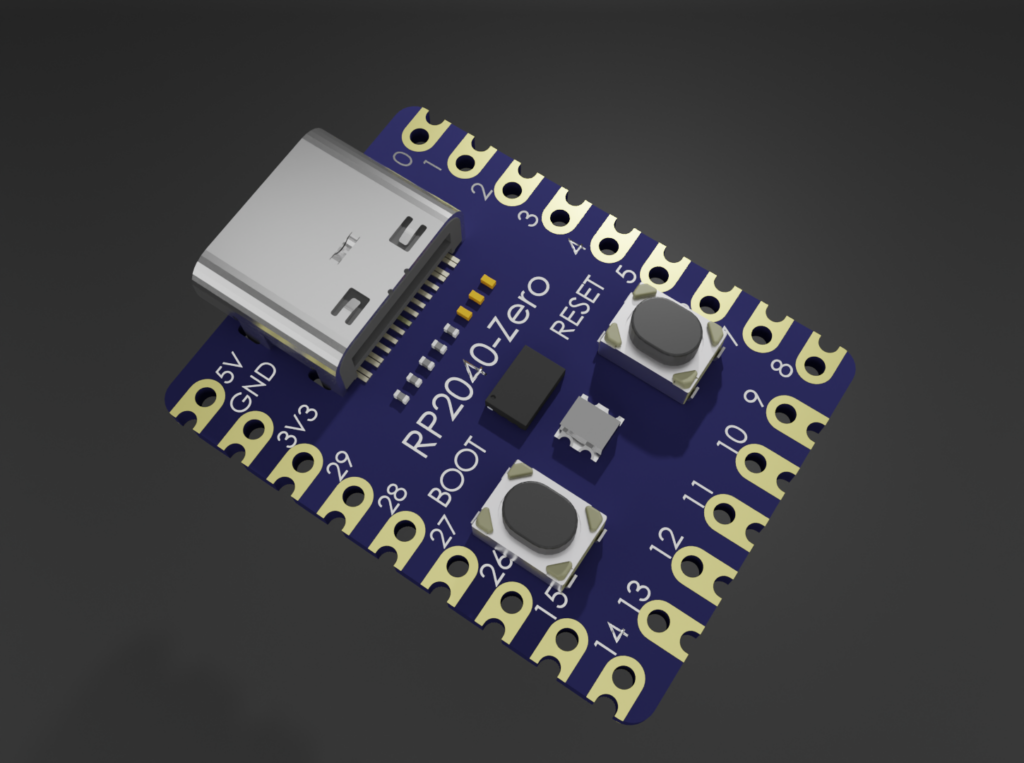
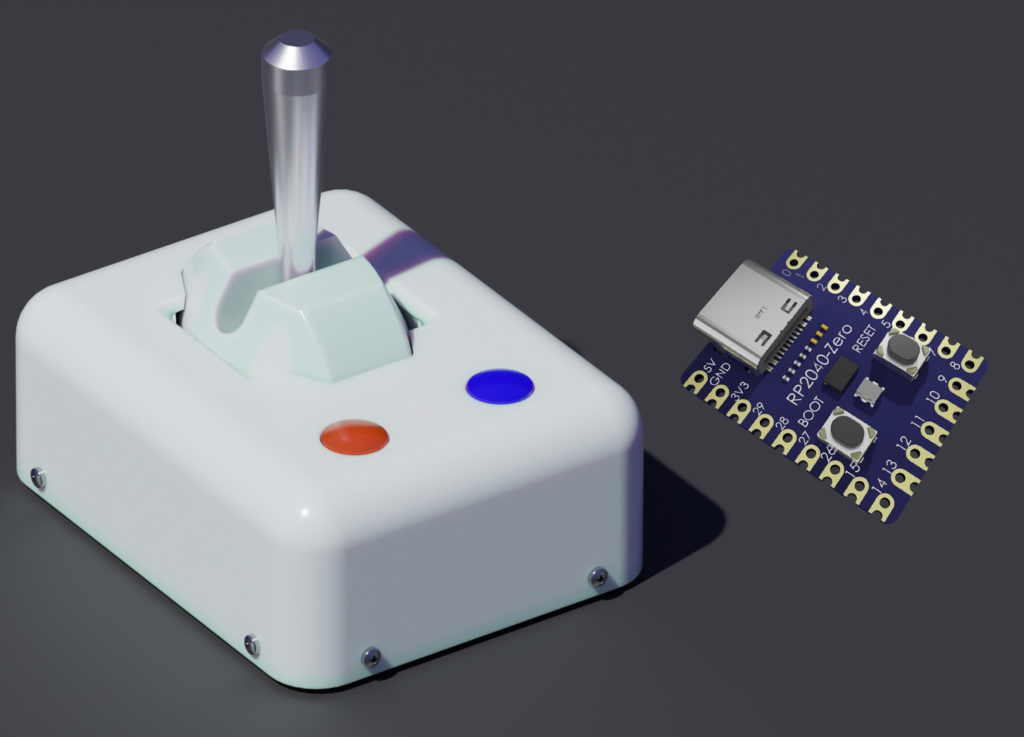
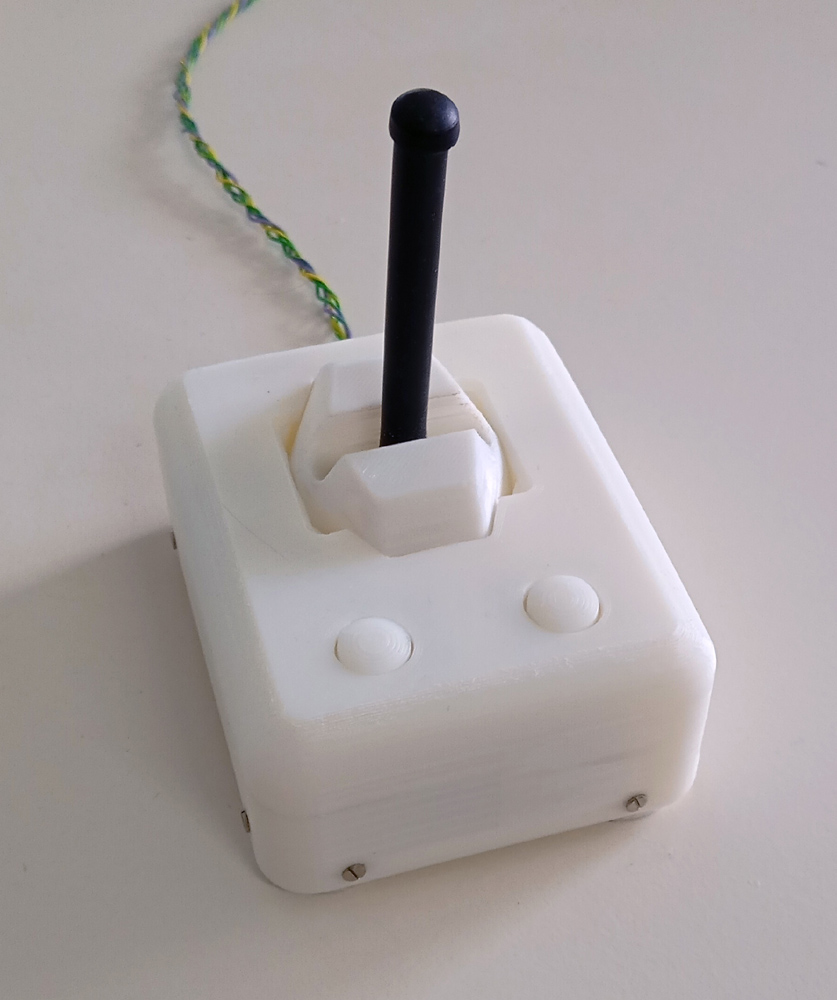
The proposed USB HID Hard and firmware together with the 3D printable accurate joystick overcomes these limits, because the firmware outwits the operating system, so the complete movement way of the stick has no dead zones. The 3D printable accurate joystick has a extemely high repeatabiliy because of its simple design. Together with the RP2040-zero the joystick is perfect for the bechele software, using a standard USB interface. This means the quality is better than with the serial joystick hardware you find on the Joystick page. This USB based joystick hardware work with a resolution of 12 bits, reflecting a value range of 0 to 4096. Soon you will find also a Version based on ESP32C3 super mini board that works over (Bluetooth).
This firmware is based on the gp2040-ce project: https://https://gp2040-ce.info Only minor changes have been made, so the resulting .uf2 file is pre-configured for the bechele joystick. By setting up the joystick via the web interface of GP2040 manually, you may achieve the same functionality if set correctly. So installing from source is rather unlikely to be necessary. However, if you use the link above, you have to configure a lot of things yourself, so I recommend to use the uf2 file provided on this page.
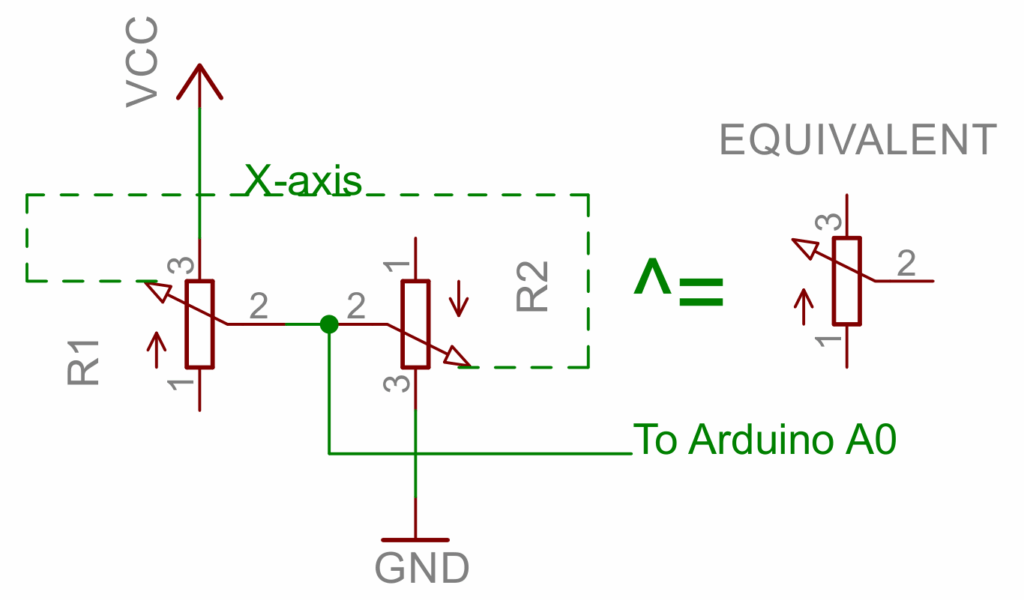
Wiring of the RP2040-zero to be used as Joystick:
Firmware:
The firmware and installation description you may get from github: https://github.com/bechele/bechele-joystick-gp2040-config You will find the uf2 file to upload to the RP2040-zero in the main folder of the github repository.
Alternatively download from here: